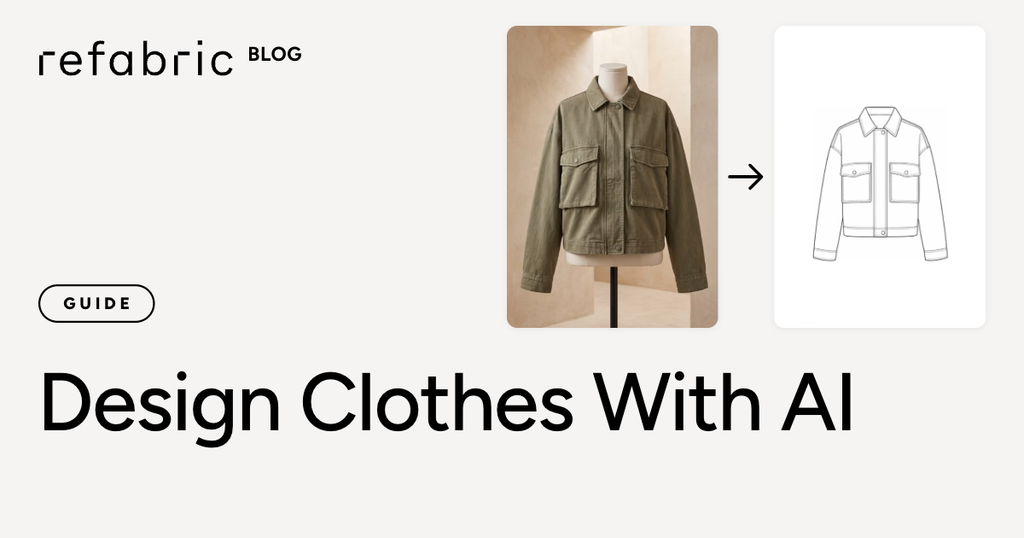
How to Design Clothes With AI: A Step-by-Step Guide
In this article
If you want to learn how to design clothes with AI, start by changing what you expect from it. An image generator will happily give you a beautiful jacket on a beautiful model. What it won't give you, unless you ask the right way, is a garment a factory can sample. This guide walks through a workflow that ends somewhere useful: a clear design, a fabric and color you can source, and a flat drawing you can hand to a pattern maker.
What designing clothes with AI actually means
AI clothing design is not one button. It is a loop you already know — brief, sketch, review, revise — with a much faster middle. You describe or draw an idea, the model returns several options, you pick a direction and push it further with specific edits.
The designer still makes every decision that matters: silhouette, proportion, fabric, construction, price point. The AI's job is to show you more options sooner, so you spend your time choosing instead of redrawing.
That distinction matters for two reasons. It keeps the work on-brand, and it keeps you in control of what the final design is — which, as we'll see, also matters for who owns it.
Before you start: write a design brief
The fastest way to get unusable AI images is to start with a vague prompt. Write a short brief first, the same one you'd give an assistant designer:
- Category and customer: women's outerwear, contemporary, city commute.
- Silhouette: cropped, boxy, dropped shoulder.
- Fabric: mid-weight cotton twill, garment-washed.
- Color story: olive, stone, washed black.
- Must-have details: bellows pockets, snap closure, no hood.
- What to avoid: distressing, oversized logos.
Every line of that brief becomes part of a prompt later. It also gives you a yardstick: when a result looks great but breaks the brief, you know to throw it out.
How to design clothes with AI, step by step
Step 1: Start from a prompt, a reference or a sketch
There are three ways in, and the best one depends on what you already have.
- A text prompt works when the idea is still in your head. Describe the garment the way a tech pack would: category, fit, fabric, details, view. "Women's cropped utility jacket in washed olive cotton twill, boxy fit, dropped shoulders, two bellows chest pockets, tonal snap buttons, front view, plain white background" will beat "cool green jacket" every time.
- A reference image works when you're reacting to something — a vintage piece, a runway look, last season's bestseller. Use it for direction, then describe what should change.
- A sketch works when you already know the proportions. Sketch-to-design tools keep your lines and add realistic fabric, light and drape, so the render stays true to what you drew.
For more on wording, our guide to writing fashion design prompts covers specificity, context and negative prompts.
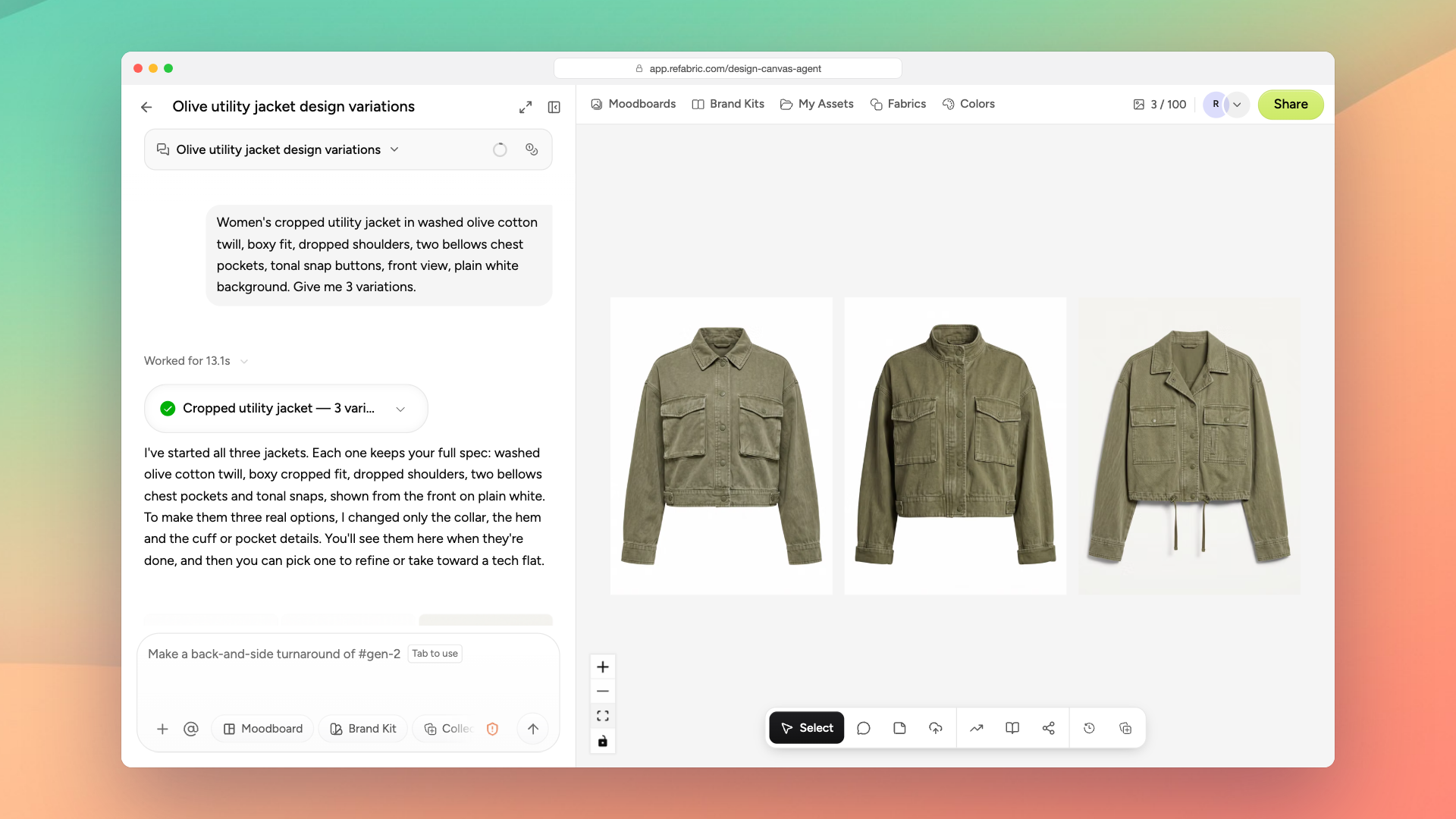
Ask for a plain background and a front view at this stage. Lifestyle scenes are fun, but they hide the garment.
Step 2: Generate variations, not one answer
Generate several options from the same prompt and compare them side by side. Look for the one with the right proportions, not the prettiest photo. Then iterate on that one with small, specific instructions: "lower the pocket placement," "make the collar a stand collar," "shorten the body to the high hip."
Change one thing at a time. If you rewrite the whole prompt, you lose the version you liked and can't tell which change helped.
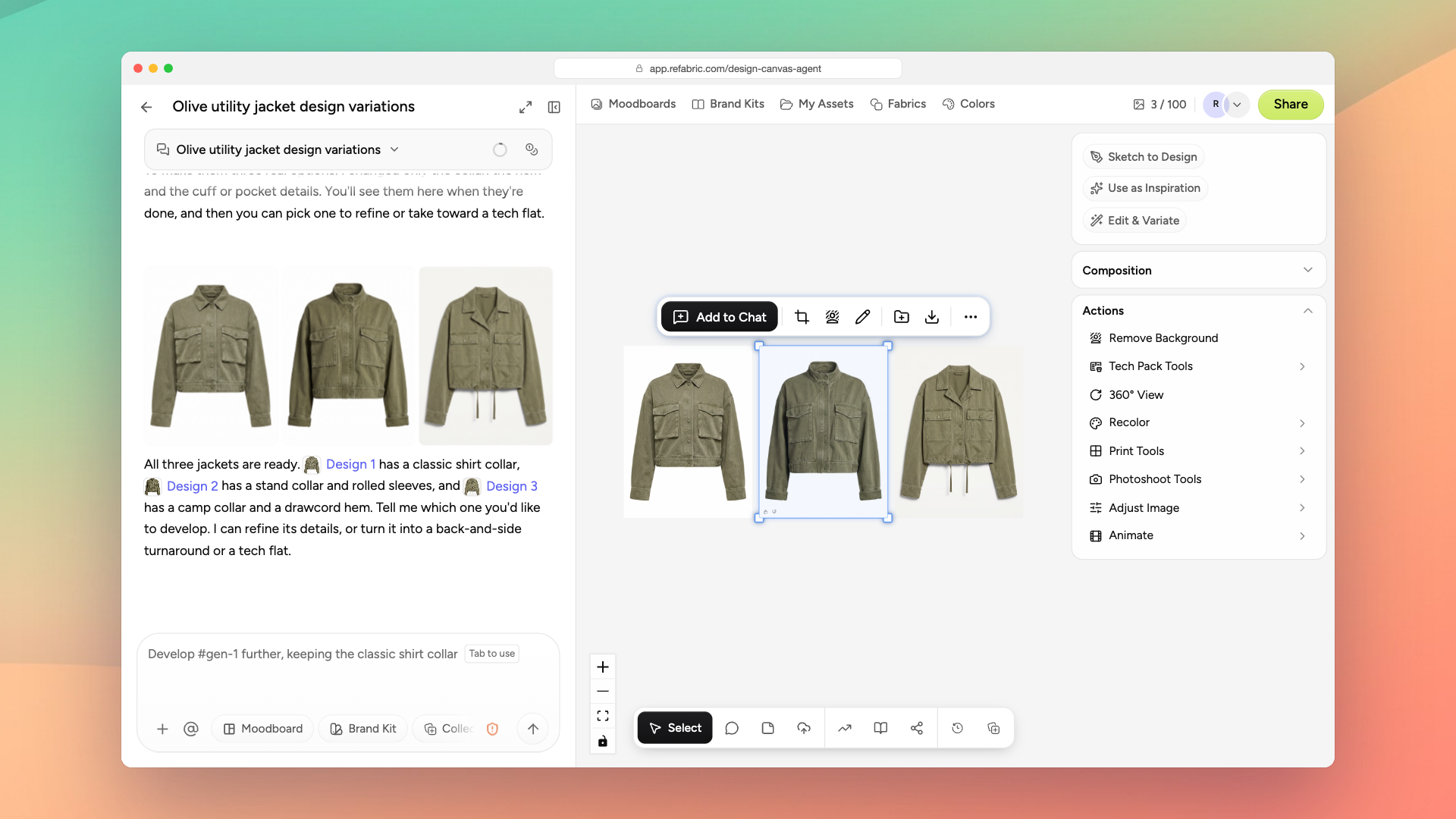
Step 3: Lock fabric, color and print
A design isn't finished until its materials are. Once the shape is right:
- Fabric: apply the fabric you actually plan to use, or the closest match from a library, so the drape and surface look believable.
- Color: recolor with exact codes (Pantone or HEX) rather than words like "sage." Words drift between tools and suppliers; codes don't.
- Print: if the garment has a print, place and scale it on the garment and check how it sits across seams and pockets.
This is where many AI designs fall apart: the fabric in the image doesn't exist, or the color can't be matched at the mill. Pin these down before anyone falls in love with the render.
Step 4: Check every angle
A front view hides a lot. Look at the back and sides before you sign off: yoke seams, back pleats, vents, hem shape, how the collar sits. If your tool offers multi-angle views, use them; if not, prompt for "back view" and "side view" with the same description.
This is also the moment for a reality check with your pattern maker or product developer. Ask: can this be made at our price, in our factories, with our trims?
Step 5: Turn the design into a flat and a tech pack
Factories don't sample from renders. They sample from flats and tech packs. Convert the approved design into a clean technical flat drawing — front and back — and check it line by line against the render: pocket count, closure type, topstitching, cuff and hem finish.
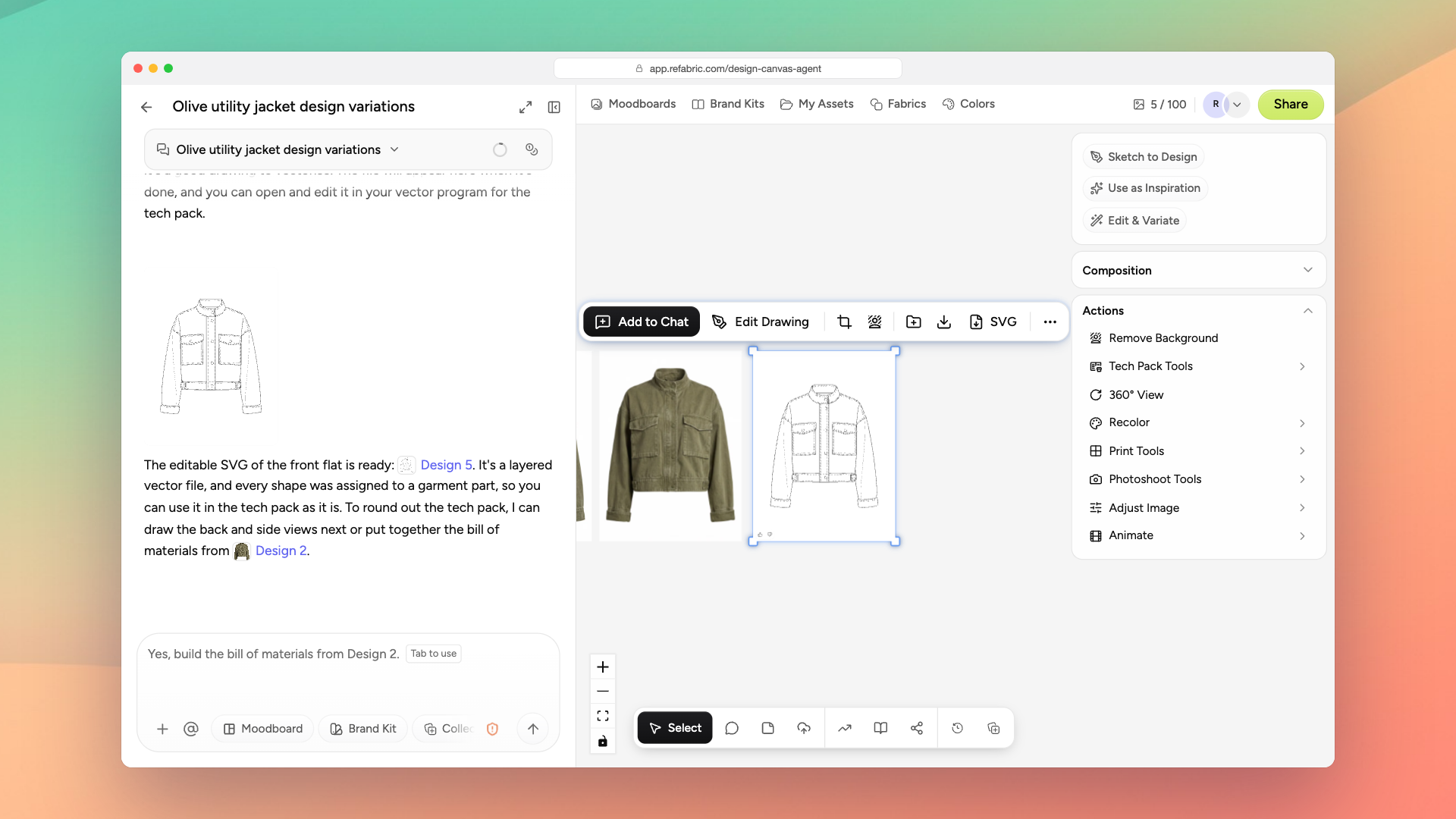
Then build the tech pack around that flat: bill of materials, measurements and size chart, colorways, trims and care instructions. Our tech pack tools can start that document from a product image.
Prompt examples you can adapt
Use these as templates. Swap in your own category, fabric and details.
- Knitwear: "Women's relaxed crewneck sweater in chunky ribbed merino, dropped shoulders, wide ribbed cuffs and hem, oatmeal melange, front view on a plain white background."
- Dress: "Midi slip dress in bias-cut ivory satin, adjustable spaghetti straps, cowl neckline, side slit, flat lay, plain light gray background."
- Menswear: "Men's overshirt in brushed wool flannel, navy and charcoal check, two flap chest pockets, horn buttons, straight hem, front view on a mannequin."
- Iteration prompt: "Keep everything the same, change the collar to a band collar and replace the snaps with tonal horn buttons."
- Colorway prompt: "Same design in [your Pantone code], all trims tonal, contrast topstitching in ecru."
Notice the pattern: garment, fit, fabric, color, details, view, background. That order mirrors how a product developer reads a spec.
Common mistakes
- Prompting for mood instead of product. "Dreamy autumn vibe" gives you a photo, not a garment. Put the mood in the moodboard and the specs in the prompt.
- Accepting impossible construction. AI will draw seams that go nowhere and pockets that can't open. Check every detail against how it would be sewn.
- Skipping the back view. Half the garment is behind the model.
- Inventing fabrics. If the render shows a sheen or drape your supplier can't deliver, the sample will disappoint.
- Losing the trail. Keep the prompt and the version history with each design so the team can see how you got there.
- Stopping at the image. A render is a concept. Until there's a flat and a tech pack, nothing can be sampled.
Who owns an AI-assisted design?
This is a fair question to ask before you build a collection on AI output. In the US, the U.S. Copyright Office has published guidance on AI and copyright: protection depends on human authorship. In practice, the more of the design that comes from your own decisions — your sketch, your selection, your edits — the stronger your position. This isn't legal advice; for anything commercial, check with counsel in your market.
Separately, read the terms of any tool you use to understand who owns what you create in it.
How Refabric fits into the workflow
Refabric's AI design tools are built around the loop above, in one workspace.
- Start your way. Design Canvas lets you begin from a text prompt, a reference image or a sketch, and iterate across multiple designs at once in a single drag-and-drop workspace. Sketch to Render turns a hand sketch into a realistic render.
- Stay on-brand. You can upload past collections, bestsellers and moodboards to build a Brand DNA profile — the AI analyzes fabrics, color palettes, silhouettes, trims and construction details — and apply it to a new design. Design Canvas also brings real-time trends and your brand archives together.
- Edit in plain language. Design Variations lets you change fabric, color, print, trims and silhouette with natural-language prompts, and add details like collars, zips, buttons and logos without starting over.
- Use real materials. Fabrics can be trained with composition and performance data, and every account includes a digital fabric library. The Color Library works with Pantone and HEX codes. Prints & Patterns lets you scale and place custom prints while keeping the fabric's texture.
- Check every angle. 360° View shows front, back and side views.
- Hand off. Design to Flat Drawing converts a design into a clean technical flat, and designs can be exported as SVG files that keep individual print layers. From there, a product image can become a tech pack with a bill of materials, flat sketches, size chart, trims, color sheet and care instructions.
- Work as a team. A canvas can be shared, and teammates can work on the same project at the same time.
All designs you create with Refabric remain your property. For a closer look at the workspace itself, see our Design Canvas walkthrough.
FAQ
Can AI design clothes on its own?
AI can generate convincing garment images, but it doesn't know your customer, your price point or your factories. It works best as a fast drafting partner: it shows options, and a designer chooses, edits and checks construction. The final decisions on fit, fabric and detailing still need a person who understands how the garment is made.
What is the best prompt for AI clothing design?
Write prompts like a short spec: garment type, fit, fabric, color, key details, view and background — for example, "cropped utility jacket, boxy fit, washed olive cotton twill, bellows pockets, snap front, front view, white background." Then refine with one change at a time instead of rewriting everything, so you can see what each edit does.
Can I turn an AI design into a tech pack?
Yes, but not directly from a lifestyle render. First convert the approved design into a front and back technical flat and check each detail against the image. Then build the tech pack around it — bill of materials, size chart, trims, colorways and care — so a factory has everything it needs to make a sample.

The Refabric team writes about how fashion brands design, develop and produce collections — tech packs, sampling, product photography — and where AI helps. Every article is reviewed by the team before it is published.
Design it, cost it and shoot it in one place.
Start free, or book a demo and we'll walk you through it.
More in How to
View all →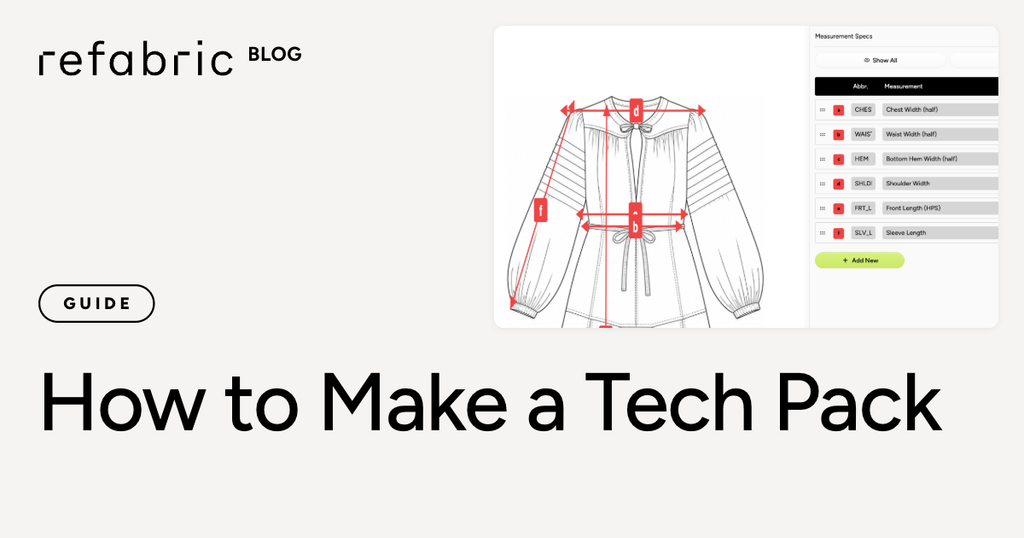
How to Make a Tech Pack: A Step-by-Step Guide for Factories
By Refabric Editorial TeamNovember 25, 20269 min read
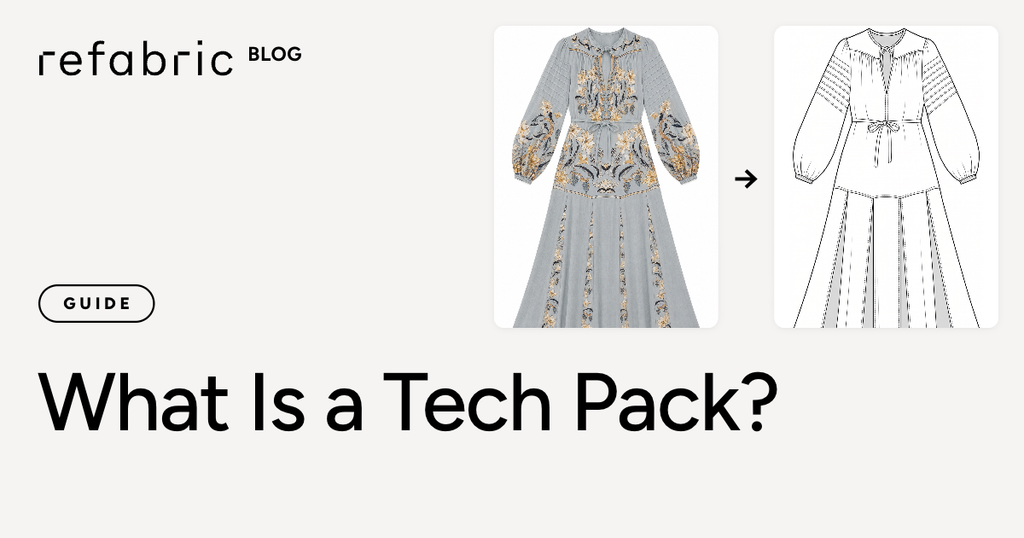
What Is a Tech Pack in Fashion? Parts, Process and Mistakes
By Refabric Editorial TeamNovember 25, 20268 min read
How Fashion AI Helps to Design the Perfect Ugly Christmas Sweater
By AI Fashion Design AssistantDecember 9, 20243 min read